Hosting a Fleet of WordPress Sites on One VPS: Inside 360 Web Solutions Cloud
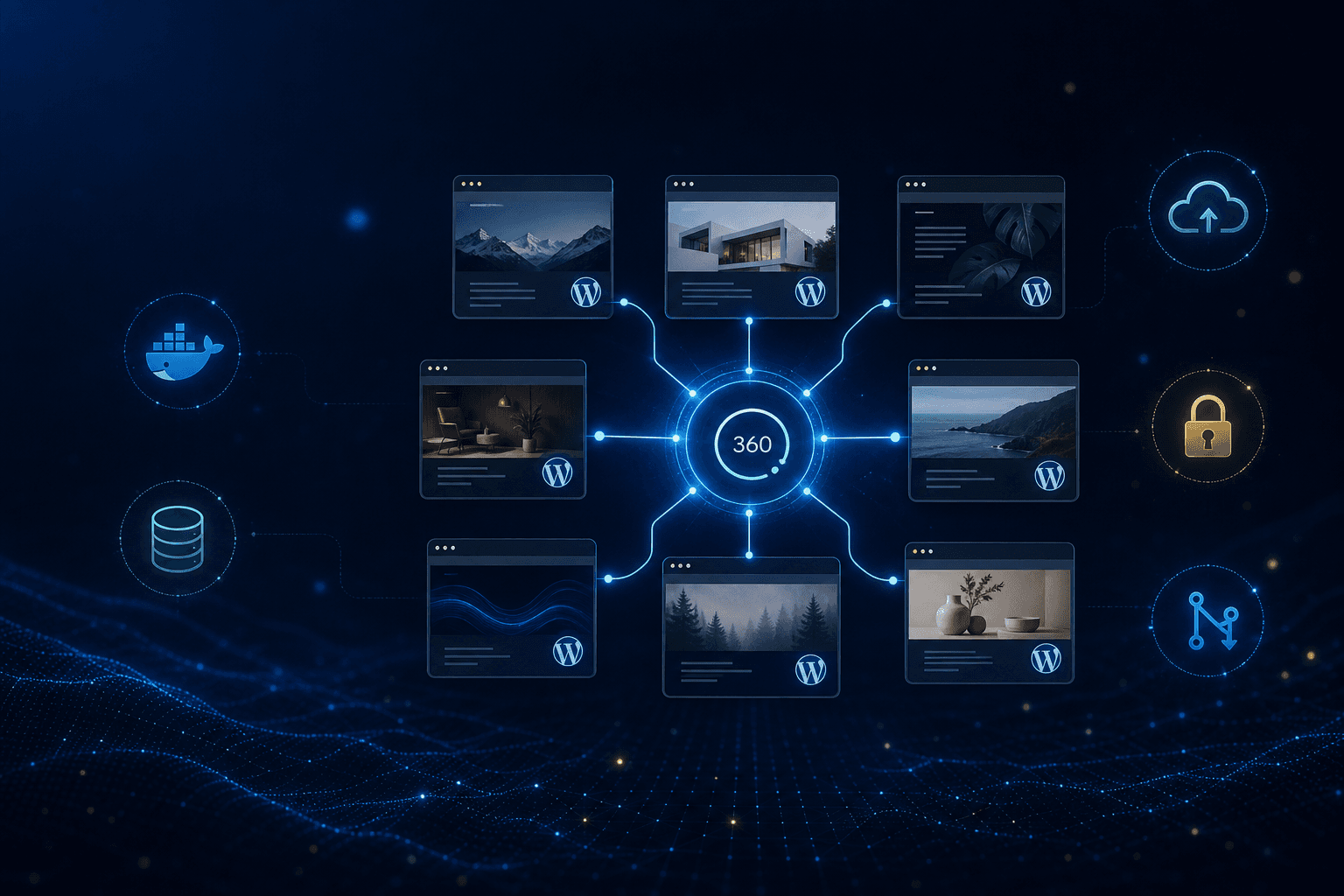
Managed WordPress hosting is convenient — until you're running a handful of sites and the per-site bill starts to sting. 360 Web Solutions Cloud is my answer: a self-hosted platform that runs an entire fleet of WordPress sites on a single VPS, each fully isolated, all managed from one dashboard.
The Problem I'm Solving
Running more than one or two WordPress sites surfaces the same friction over and over:
- Per-site hosting costs that scale linearly with every new client or project
- Scattered management — updating core, plugins, and themes one
wp-adminat a time - Inconsistent setups that drift apart and become hard to support
- Backups you hope are working but rarely test
- Manual, risky deploys where a content or schema change goes straight to production by hand
I wanted to own the whole stack: one VPS, many sites, every one isolated, all of it managed from a single place and described in version control.
The Technology Stack
Control Plane: Python, FastAPI, React, TypeScript
Per-Site Stack: WordPress, MySQL 8, Redis 7, phpMyAdmin
Management: WP-CLI, MainWP, UpdraftPlus
Edge: Nginx Proxy Manager, Let's Encrypt
Deployment: Docker, Docker Compose, GitHub Actions
Backups: Backblaze B2 (S3-compatible)
Automation: n8n, Netdata
Architecture Overview
The core idea is a clean split between a control plane that manages and per-site stacks that serve:
React Dashboard → FastAPI API → Docker socket / WP-CLI
                                      │
        ┌─────────────────────────────┼─────────────────────────────┐
   Site A stack                  Site B stack                  MainWP hub
 (WP + MySQL + Redis)          (WP + MySQL + Redis)        (fleet management)
Every WordPress site is its own Docker Compose stack — it never shares a database or runtime with another site. The backend discovers those stacks through Docker labels and drives maintenance from outside the browser.
Isolated, Template-Driven Stacks
Each site is stamped out from a single Compose template with per-client variables. A site's WordPress container declares labels the control plane uses to find it:
services:
  wordpress:
    image: wordpress:latest
    container_name: ${CLIENT_NAME}-wp
    depends_on:
      mysql:
        condition: service_healthy
    networks:
      - wordpress_network
    labels:
      - "com.360ws.type=wordpress"
      - "com.360ws.client-name=${CLIENT_NAME}"
Because MySQL declares a healthcheck and WordPress waits on it, a freshly deployed stack comes up in the right order every time. Persistent data (wp-content/, mysql-data/, uploads/) lives on the VPS and stays out of Git.
A Control Plane That Speaks WP-CLI
The part I'm proudest of: the backend manages WordPress from outside the browser by running WP-CLI inside each container over the Docker API. Updating a site is a single call, and it's careful — it snapshots the database first, then compares versions before and after:
# Take a database backup before touching anything
backup_result = await self._create_db_backup(container_name)

# Update core via WP-CLI inside the container
core_result = await self._run_wp_cli(
    container_name, ["wp", "core", "update", "--allow-root"]
)

# Run schema migrations after a core update
await self._run_wp_cli(
    container_name, ["wp", "core", "update-db", "--allow-root"]
)
That same pattern powers fleet-wide actions — bulk-update-cores and bulk-backup simply loop the operation across every discovered WordPress container.
Push-to-Deploy with GitHub Actions
Each client site is its own GitHub repo created from the template. On merge to main, a workflow SSHs to the VPS, updates the code, brings the stack up, and waits for the database to be ready before running migrations:
- name: Deploy to VPS
  uses: appleboy/[email protected]
  with:
    host: ${{ secrets.VPS_HOST }}
    username: ${{ secrets.VPS_USER }}
    key: ${{ secrets.VPS_SSH_KEY }}
    script: |
      APP_DIR="/opt/360ws/clients/wordpress/${{ github.event.repository.name }}"
      cd $APP_DIR && git pull origin main
      docker-compose up -d --build
The same workflow auto-detects export files in the repo. Drop a content-export.xml (or a full db-export.sql) into wp-content/, merge, and the pipeline imports it — taking a safety backup first when it's a full database overwrite.
Content as Code
This was the feature that changed my workflow most. Edit content in WordPress on staging, then export it with WP-CLI and commit it:
docker-compose exec wordpress wp export --allow-root > wp-content/content-export.xml
git add wp-content/content-export.xml
git commit -m "Update content for production"
git push origin main
Merging that PR deploys the content to production automatically. WordPress content now lives under the same version-control discipline as code.
Centralized Management with MainWP
Alongside the custom control plane, a dedicated MainWP Dashboard gives a native WordPress view of the entire fleet. The platform automates installing the MainWP Child and UpdraftPlus plugins on every site, and the API exposes deep links straight into MainWP's updates and backups screens — so I can drop into a familiar WordPress UI whenever I want one.
Backups I Actually Trust
UpdraftPlus on each site ships backups to Backblaze B2, configured through the API:
commands = [
    ["wp", "option", "update", "updraft_s3_endpoint", endpoint, "--allow-root"],
    ["wp", "option", "update", "updraft_s3_accesskey", access_key, "--allow-root"],
    ["wp", "option", "update", "updraft_service", "s3generic", "--allow-root"],
]
Between scheduled UpdraftPlus runs and the automatic pre-update database export, there's always a recent restore point — and it lives off the box, not on it.
Technical Challenges Solved
Container Discovery
Rather than maintaining a brittle list of sites, the backend treats Docker as the source of truth, finding WordPress stacks by their com.360ws.type label and name patterns.
Safe, Ordered Deploys
Healthchecks plus depends_on conditions ensure WordPress never starts against a database that isn't ready, and the deploy workflow polls for readiness before running migrations.
Fleet Operations Without N Logins
WP-CLI over the Docker API means a single endpoint can update or back up every site at once — no per-site admin login required.
What's Next
The hosting and management core is working end-to-end. The roadmap is about polish and reach:
- A one-click "create site" flow directly in the dashboard
- Aggregated fleet analytics — update status, uptime, and resource trends
- Built-in staging-to-production promotion
- Per-site SSL status and expiry surfaced in the UI
- Scheduled, windowed maintenance runs
Human Reflections
This project started from a simple frustration: I had a growing collection of WordPress sites and didn't want to pay a managed host per site, or spend my evenings logging into a dozen dashboards to click "update."
What I enjoyed most was realizing the management layer didn't have to live inside WordPress at all. By driving WP-CLI through the Docker API from a FastAPI backend, the control plane can do anything I'd do by hand — but across the whole fleet, and with a database backup taken automatically before every change. That single decision made bulk updates and backups feel safe instead of scary.
The content-as-code piece surprised me. Treating an xml export like any other artifact in a Git repo, and letting a merge to main carry it to production, brought a real sense of discipline to something that's usually a manual, click-heavy process.
It's still very much in development, but it already does the thing I built it for: it turned a stack of hosting bills and manual maintenance into one VPS I actually own and understand.
More about this project here