Little Sprouts, Part 2: A Bigger Garden
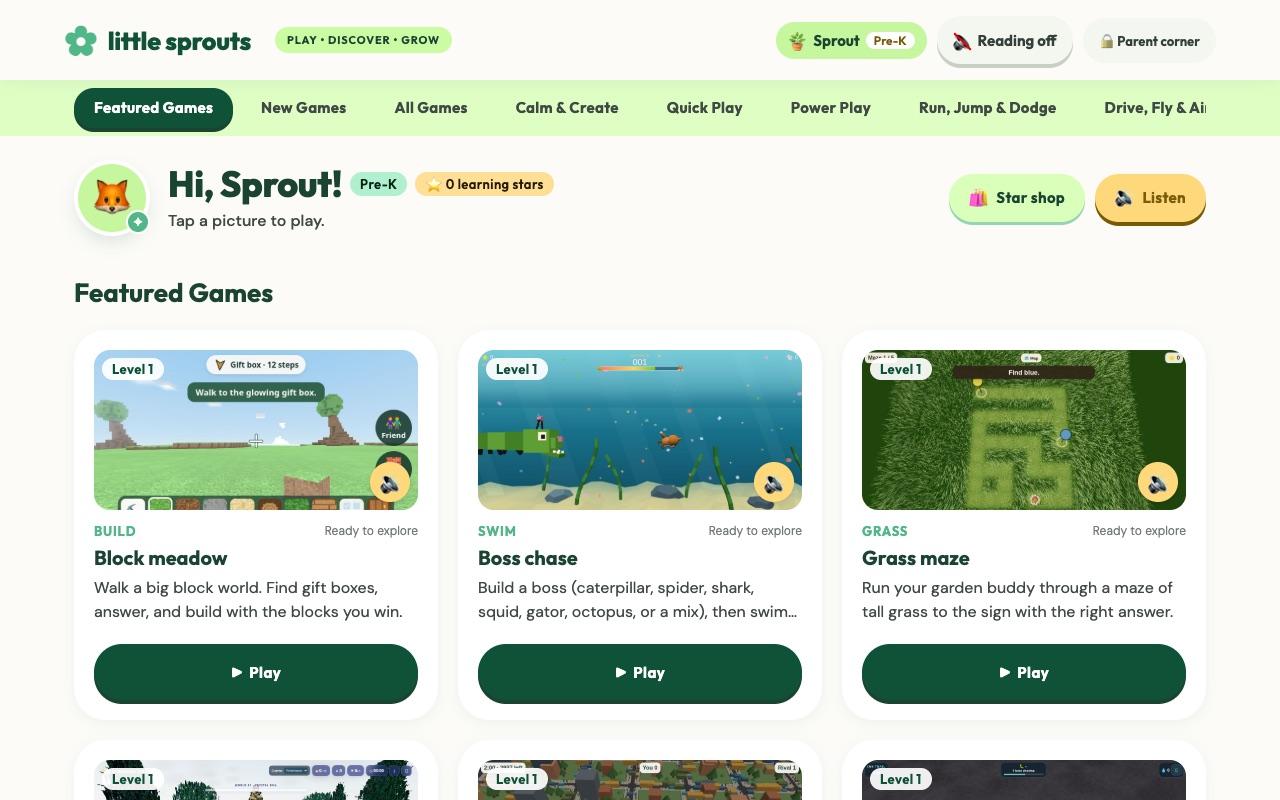
In September I wrote Little Sprouts: Play That Teaches, which covers the basics: three learners, four ways to play, and a Parent corner for levels and sight words. Start there if you are new.
Since then my kids have kept asking for new games, so I kept building. This post covers what changed. It is still free and still has no account.
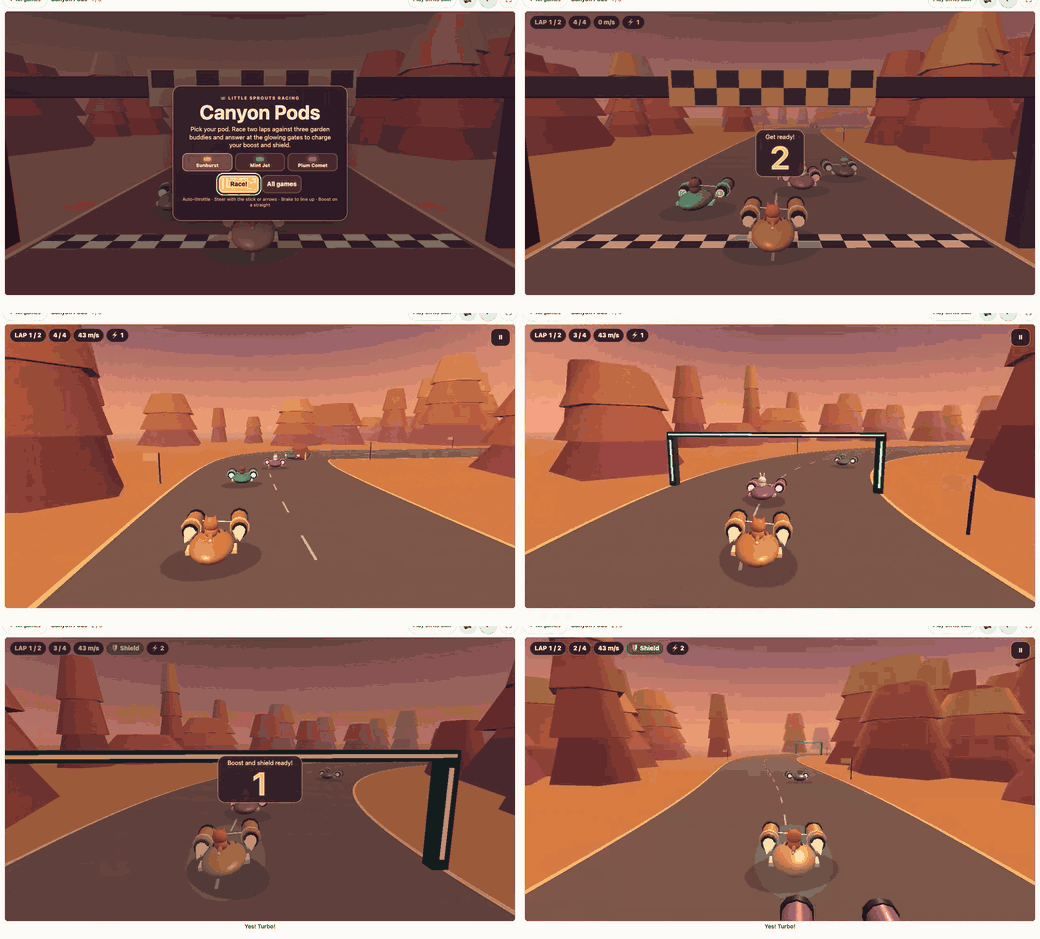
A round of Canyon Pods
In Canyon Pods you race three garden buddies through a desert canyon. At each glowing gate the race pauses for a question from the learner's own math band or word list, and a right answer charges a boost and a shield.
A new home screen
The shelf grew from a dozen cards to 66 games, so I rebuilt the home screen. Games are grouped into shelves: Featured, New, Calm & Create, Quick Play, Power Play, Run, Jump & Dodge, Drive, Fly & Aim, and Words & Numbers. Every card shows a real picture from the game.
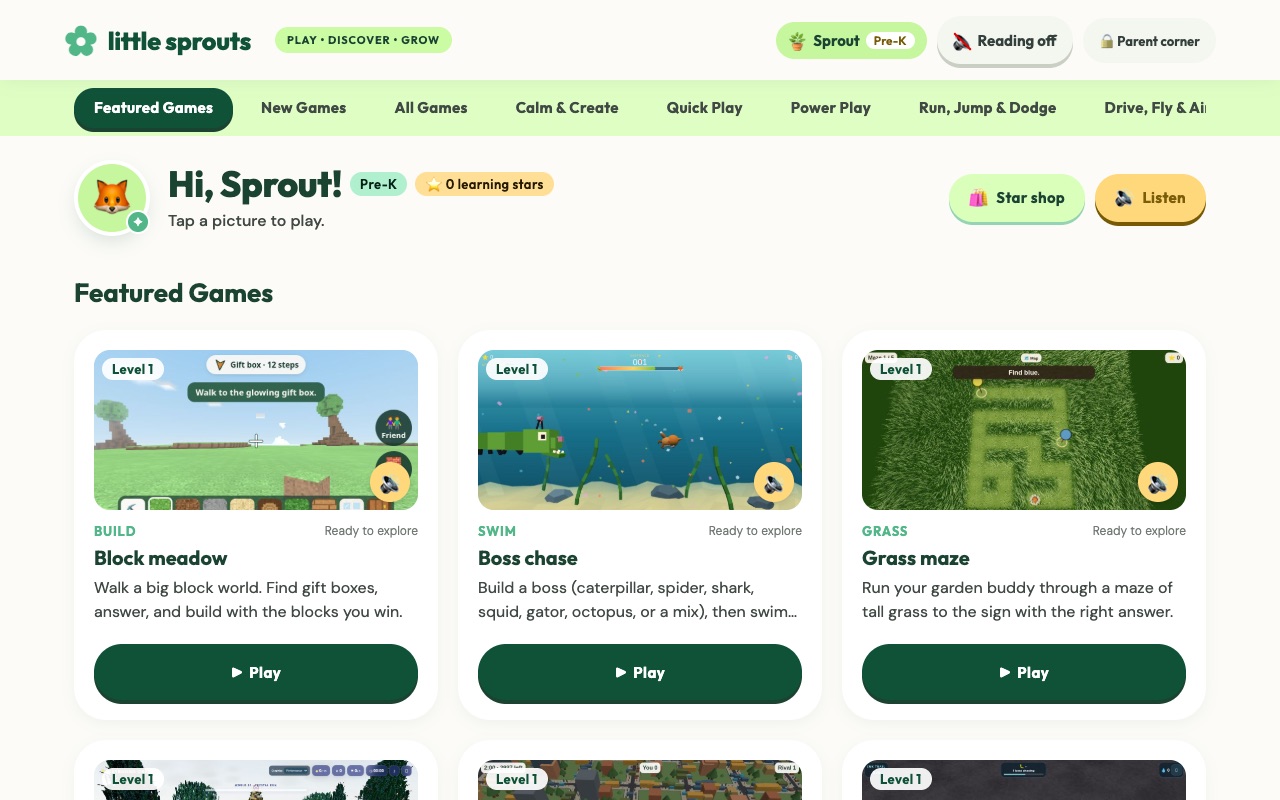
Each game now opens in Focus view, where the game fills the screen and the learning prompt stays on top. Tablets also get a fullscreen button.
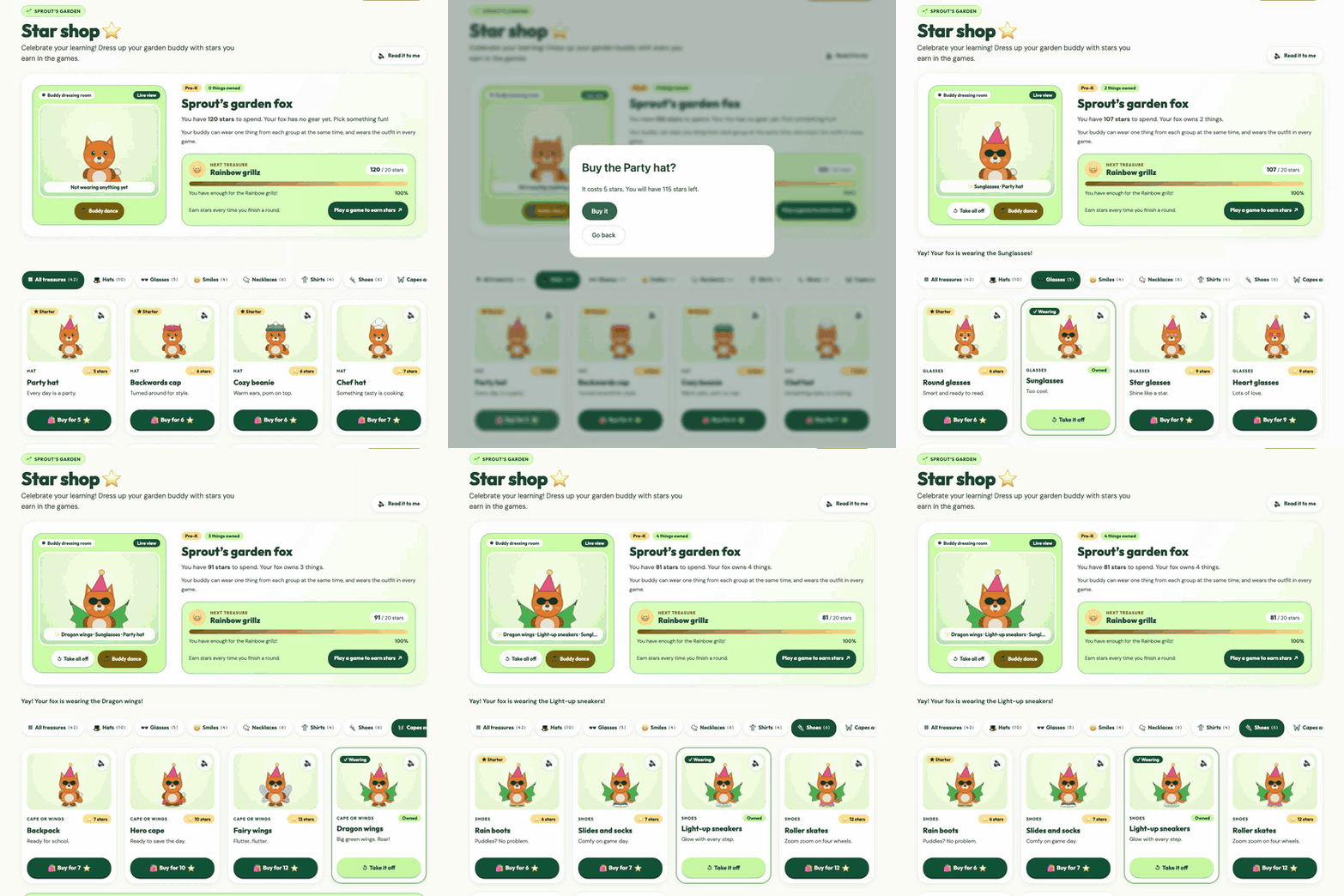
The Star shop
Stars used to be just a number. Now kids spend them in the Star shop on gear for their garden buddy, with 42 items to pick from, including whole outfits. The buddy is also the player in every game that has a character, so a hat bought in the shop shows up in the race, the maze, and the block world.
New games
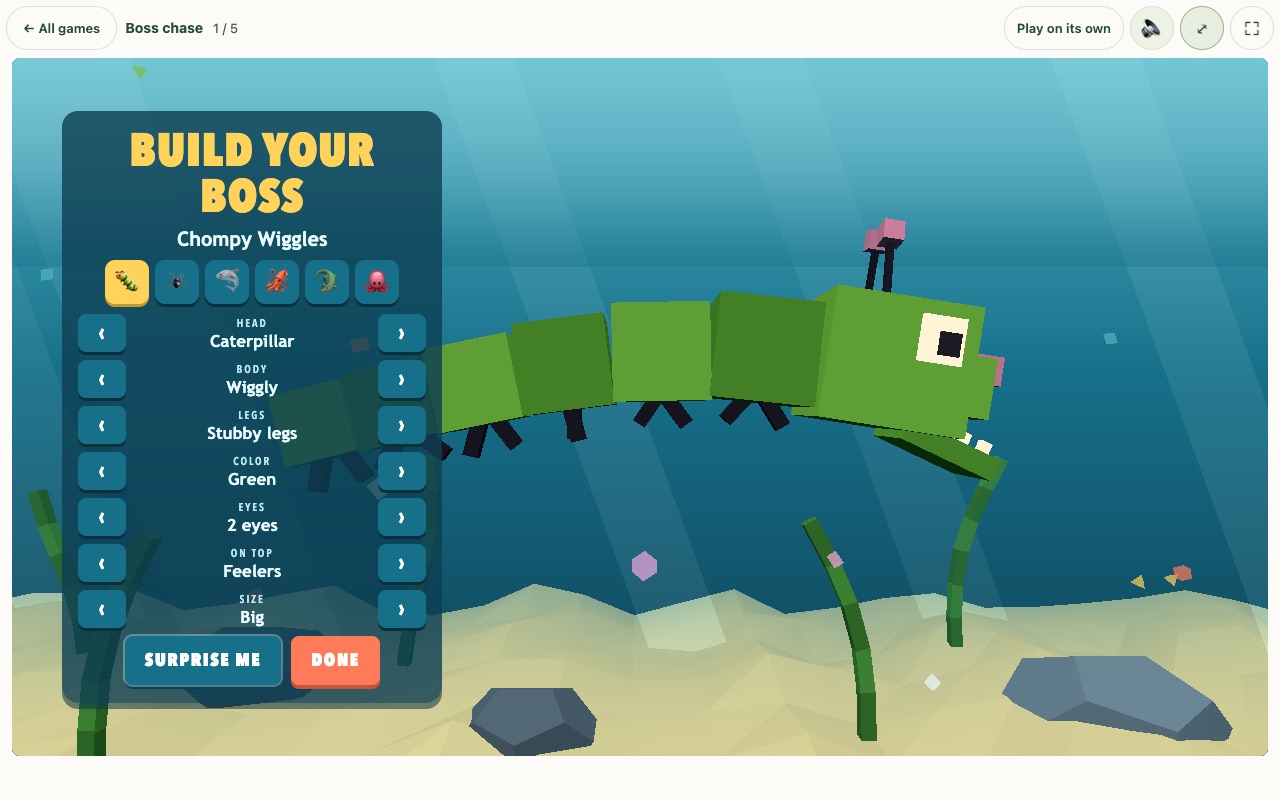
In Boss chase and Ink Trail you build your own boss (caterpillar, spider, shark, squid, gator, octopus, or a mix) and then try to get away from it.
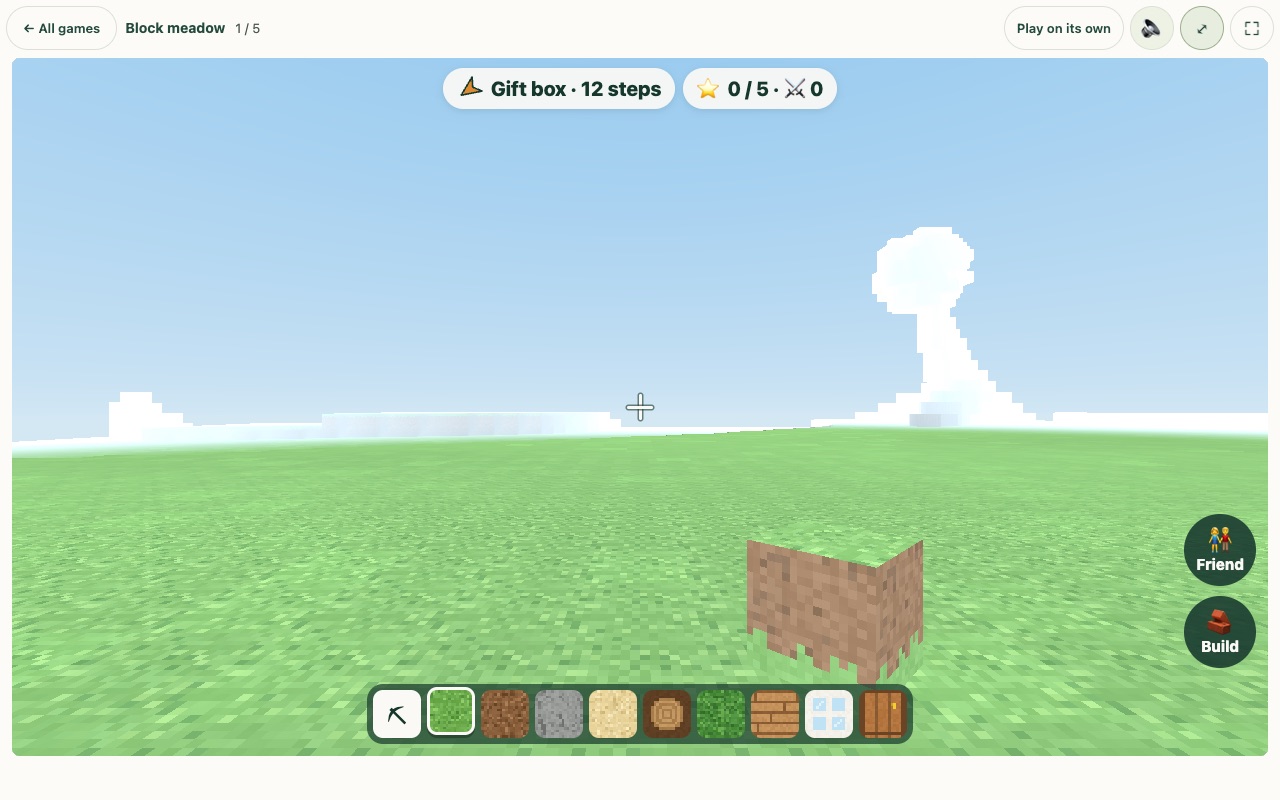
Block meadow is a big block world. You walk around finding gift boxes, answer the question inside, and build with the blocks you win.
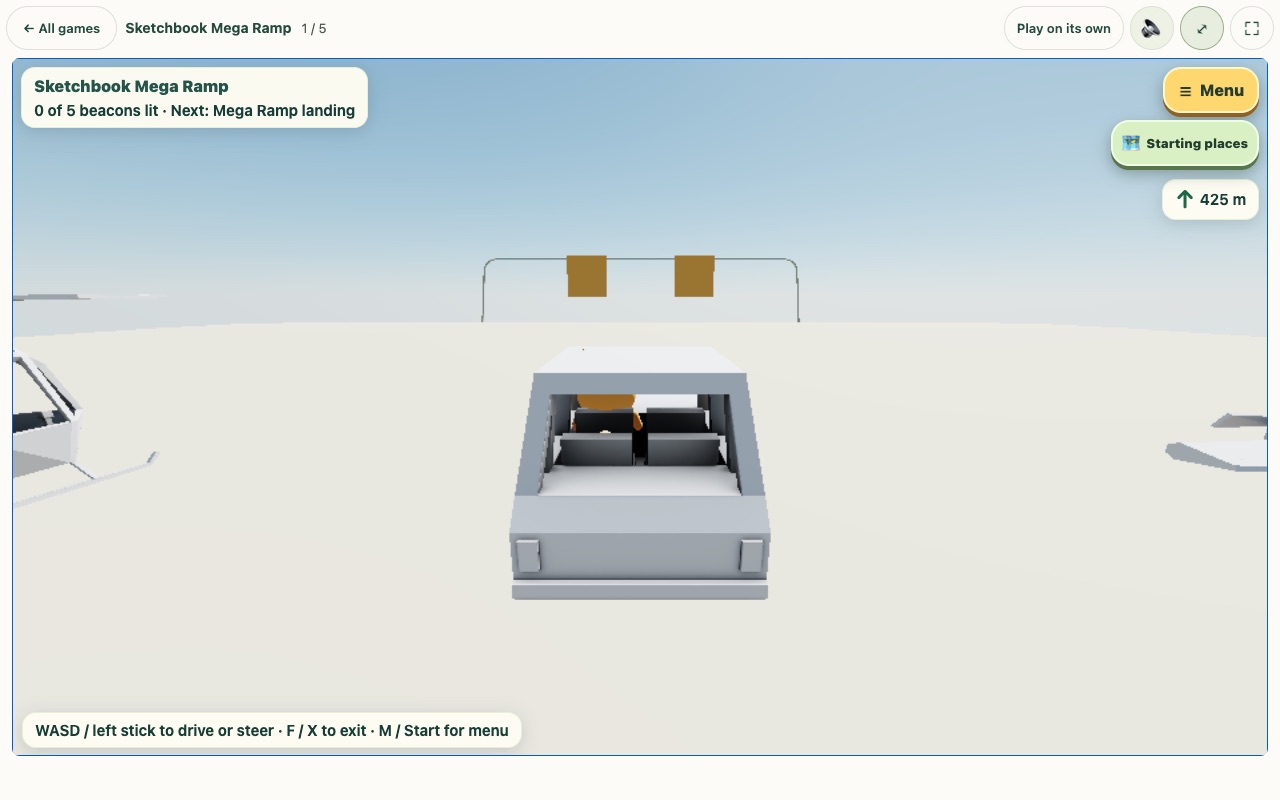
Sketchbook Mega Ramp starts with a drive down the ramp, then lets you tour the playground and light beacons.
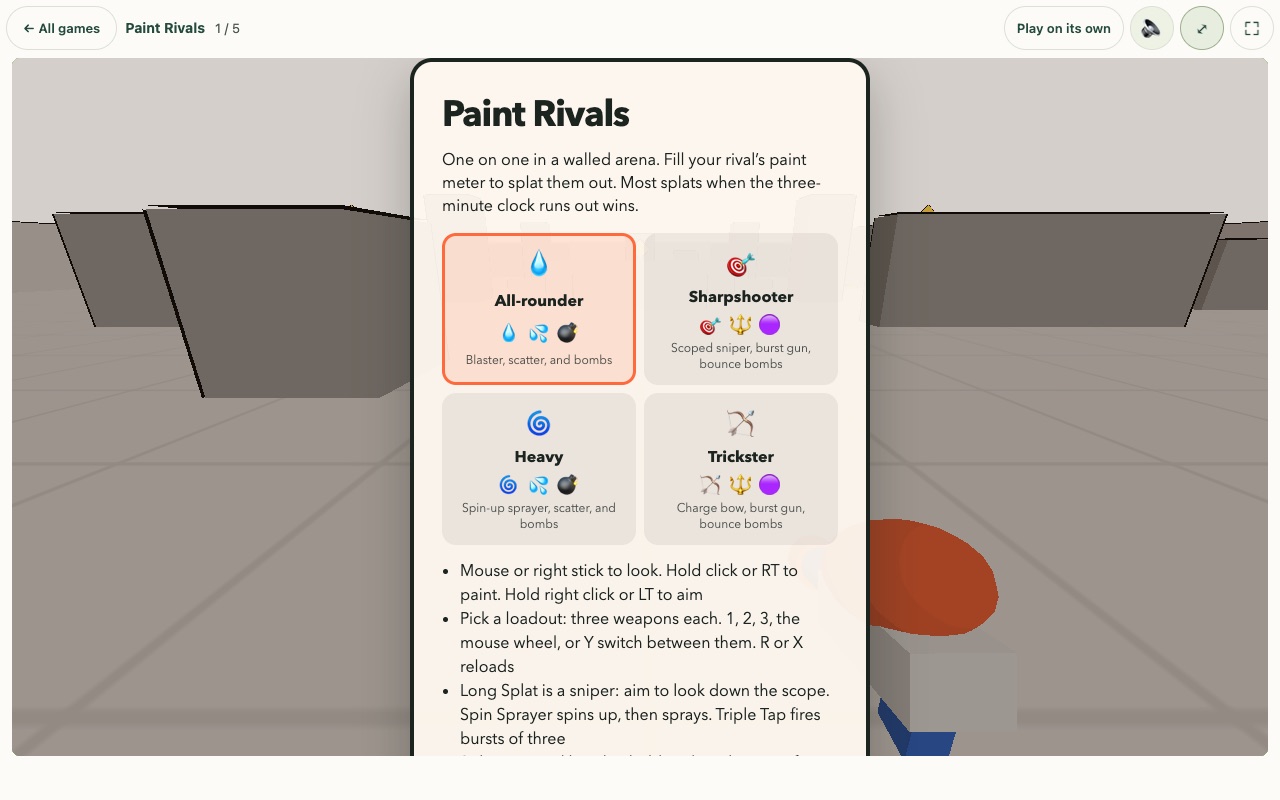
Paint Rivals is a one-on-one paint duel on the new Power Play shelf.
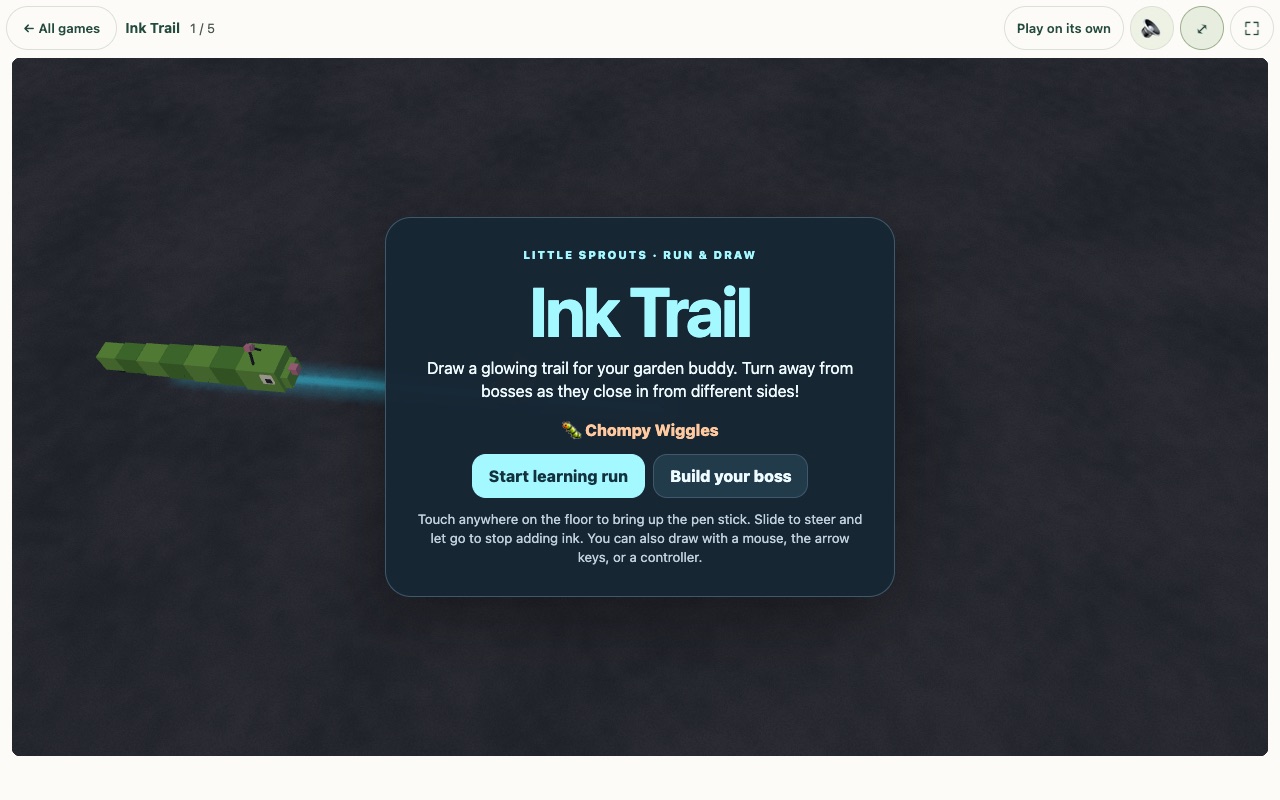
The shelf also has Cabin camp, Skybound climb, Garden gulp, Marble box, Grass maze, Pebble roll, Pinecone Trail, Moonlight Swing, and more. For older kids there are Quick Math and Memory verse, which reads a passage once and then has the child read it back.
Some of the big 3D games are heavy, so they stay off until a grown-up turns them on in Parent corner. Lite mode also scales heavy games down on weak devices, which keeps an older tablet running smoothly.
Playing with a friend
Friend rooms let two kids join the same game. They can pair with a QR code or a short sound "chirp", and the connection uses your home Wi-Fi when it can. Paint Sphere, Cabin camp, Block meadow, Inkwave, and several other games support it. When a friend joins, the game waits for both kids so nobody gets questions stacked up.
Controllers, touch, and tilt
A game controller works in every game, using one shared button layout. Phones and tablets get touch controls, including a floating joystick that appears wherever your thumb lands, and the racing games can steer by tilting the device.
Offline play and the Fire tablet app
Little Sprouts is now a web app you can install, and it works offline. A parent saves the full pack once, and each file is stored only one time.
My kids use Amazon Fire tablets, so I also built a Fire tablet app. It updates itself over Wi-Fi and checks each update against a published checksum before installing it.
Read-aloud fixes
The spoken question is louder than the game now, and game sound dips while it talks. Each question waits to be read until the game screen opens. Common lines are pre-recorded so they play right away, and read-aloud on iPhone recovers when Safari interrupts it.
What stayed the same
Progress stays in the browser, and Reach never records or uploads video. Every piece I borrowed is credited on the site under Credits and in the README.
Part 1: Little Sprouts: Play That Teaches · Play: grow.360web.cloud · Source: github.com/mitchelldawkinsjr/little-sprouts · Build notes: /projects/little-sprouts.