Little Sprouts: Play That Teaches
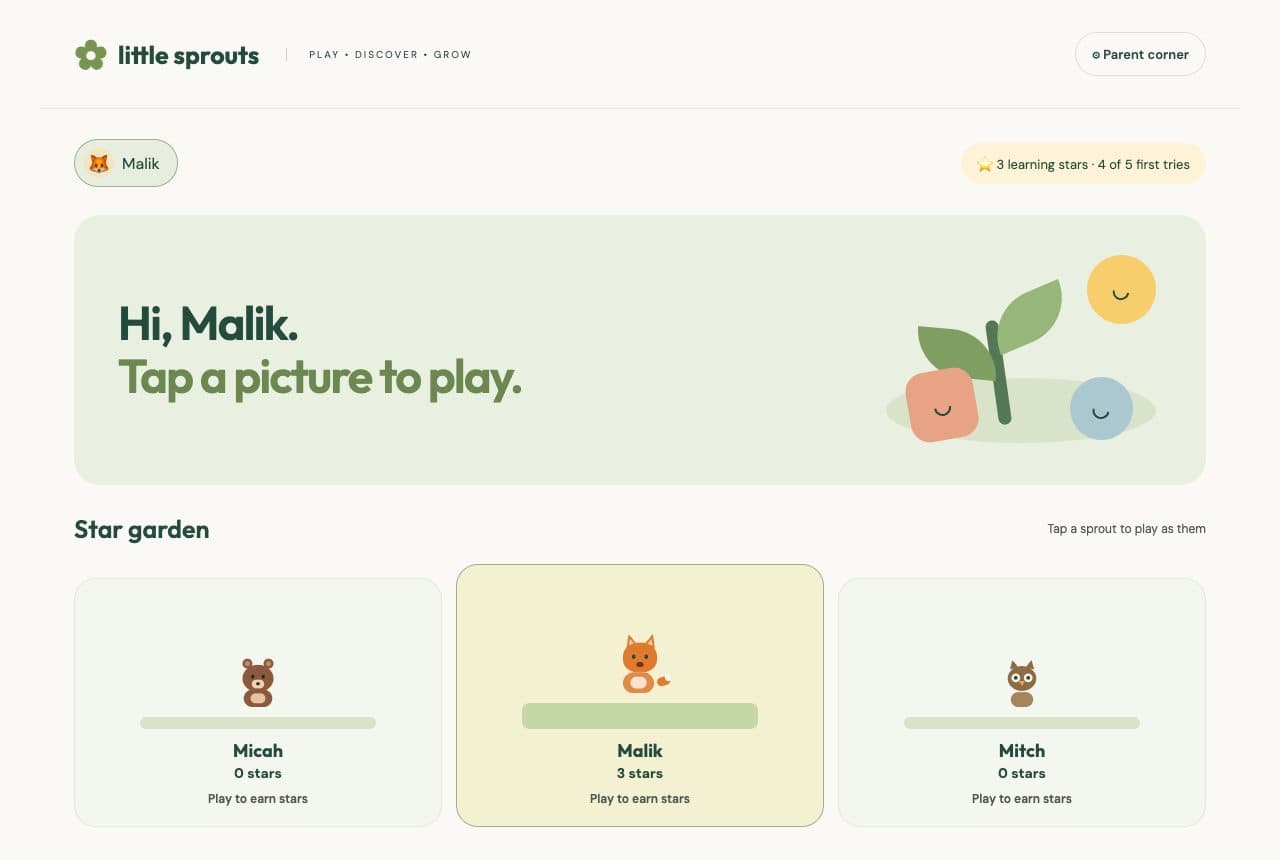
A worksheet asks a child to sit still. A game asks them to catch the number, hook the fish, or hop on the word. I wanted the second one, with the same questions a parent would actually assign.
So I shipped Little Sprouts — early-learning games that run in the browser. No account. No build step. Open the site and hand over the screen. The project notes are on the Little Sprouts project page.
The product in one sentence
Pick a picture. Hear the question. Answer it. A grown-up sets the level so the next round is a little harder, not a different app.
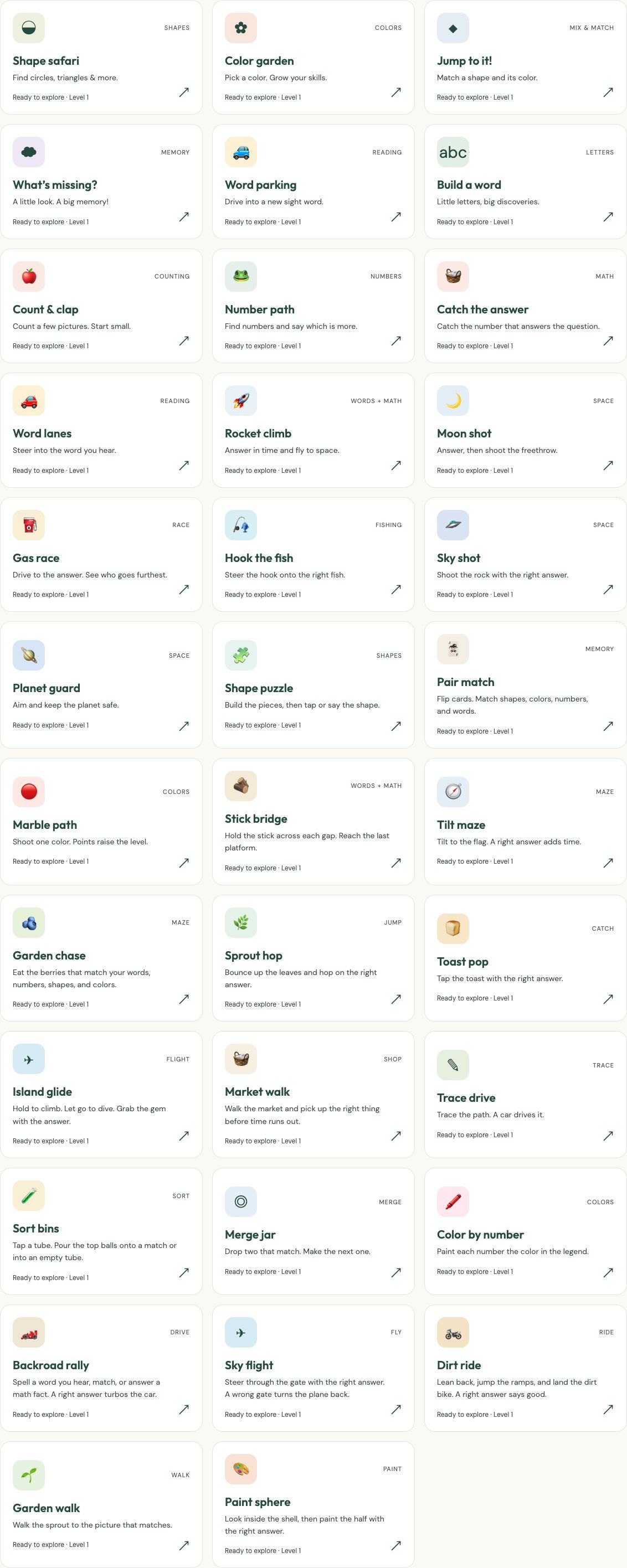
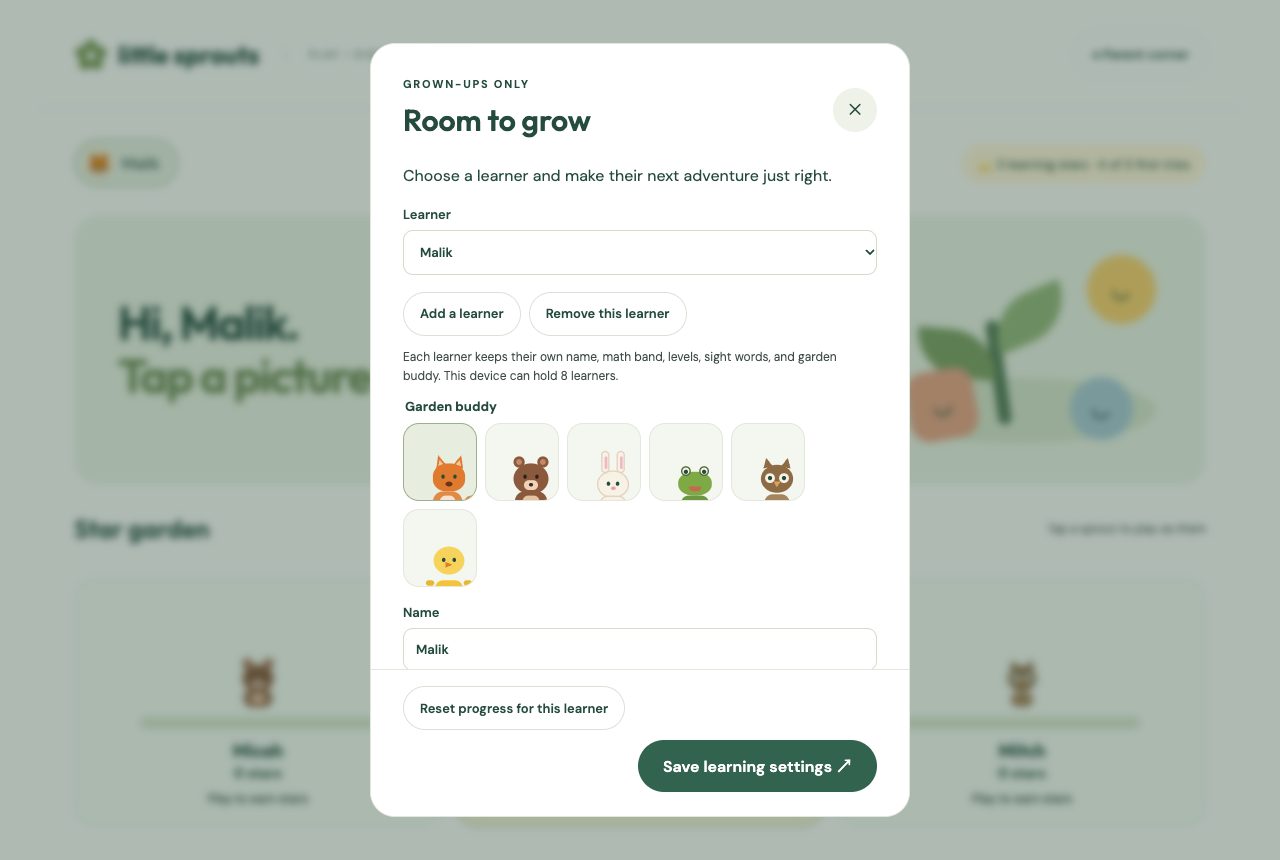
Three learners start on the device: Malik in preschool, Micah in kindergarten, and Mitch in 4th grade. Each one keeps a name, a garden buddy, a math band, sight words, and stars. Progress stays in that browser.
How a round works
Under How are we playing? the same question can be a tap, a movement, a hunt around the room, or a reach toward the camera.
| Style | What the child does | Who confirms |
|---|---|---|
| Tap | Answers on the screen | The game |
| Move | Lands on a printed floor card | A grown-up |
| Hunt | Finds a real thing that matches | A grown-up |
| Reach | Holds a hand on the answer until it fills | The camera, on device |
Reach is off until a grown-up allows it. The pose model finds hands in the browser. Video is never recorded or uploaded.
Most rounds are 5, 10, or 15 questions. A right answer on the first try earns a learning star. Gas race, Dirt ride, and Sky flight keep their own clocks instead of a fixed question count.
Parent corner is the settings, not a lock
The gear in the header asks a small addition problem, then opens the learner. Rename them, pick a garden buddy, set the math band, set each game’s level, and type the sight words. Read-aloud is shared by everyone on that device. Kokoro speaks on the device when it can load. If it cannot, the browser’s own voice does.
Same questions, different toys
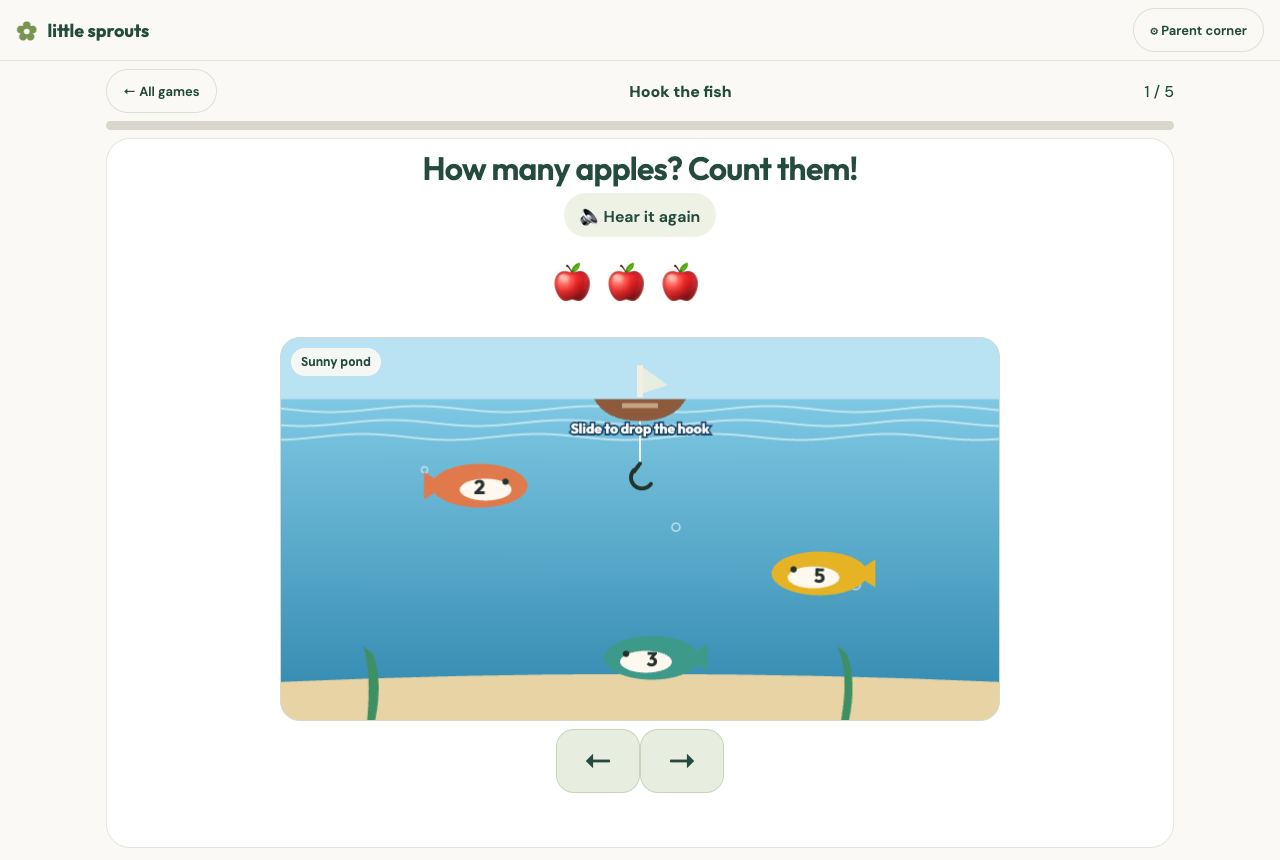
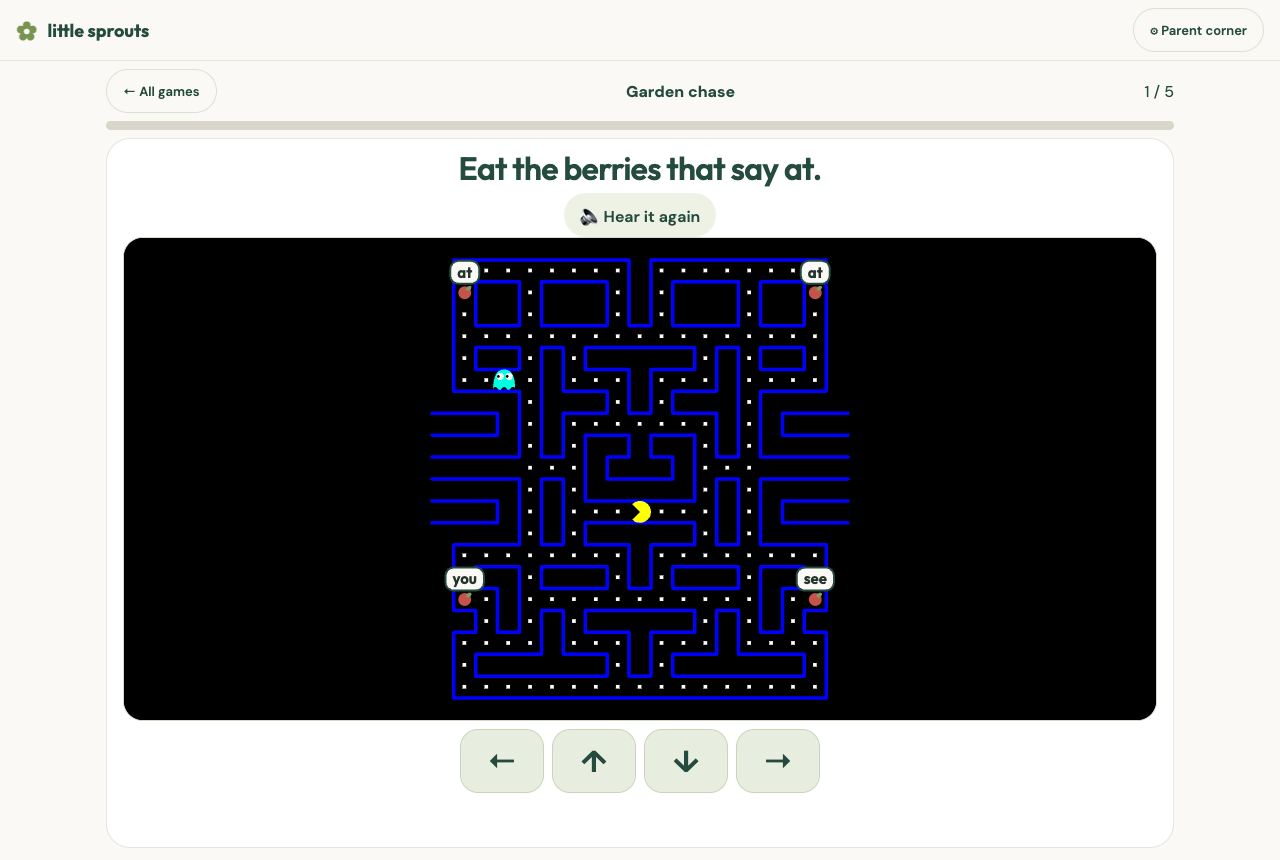
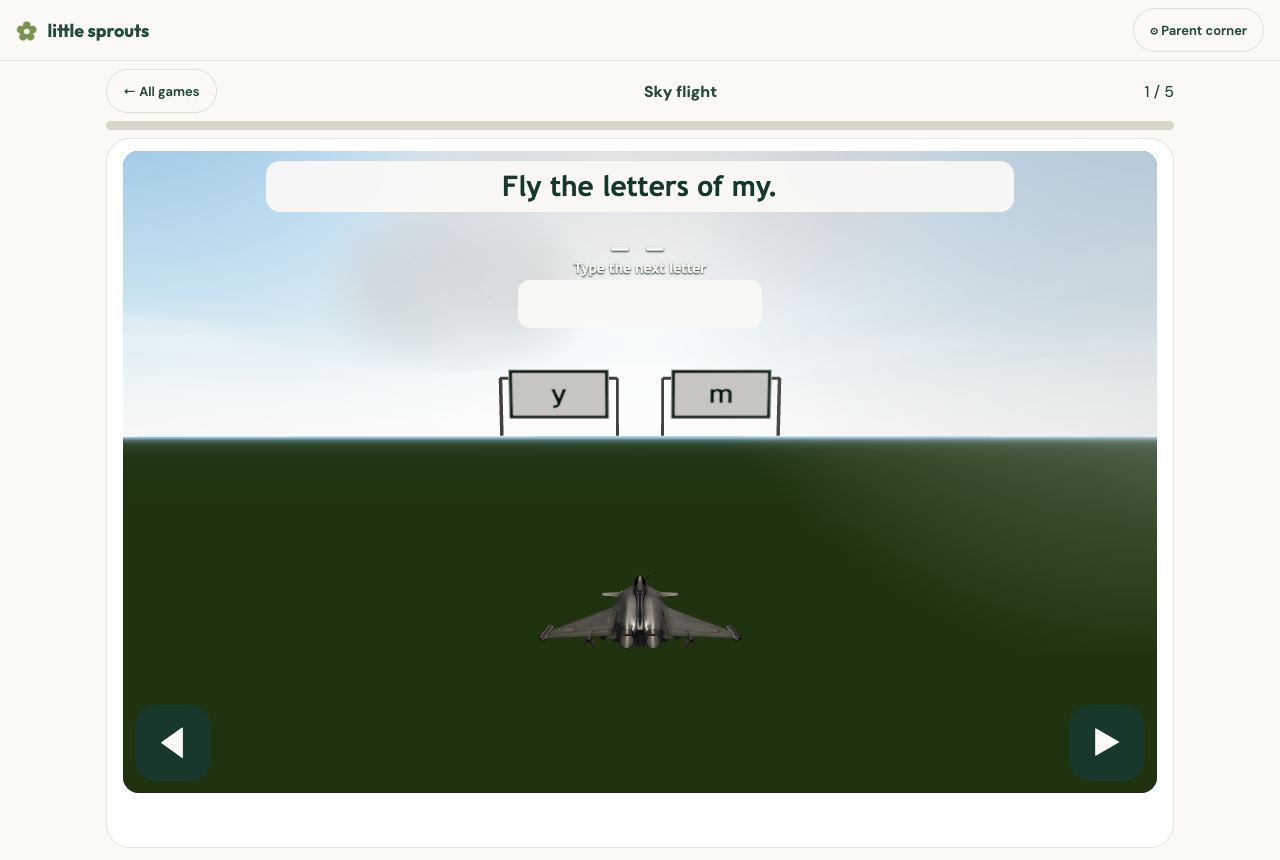
The shelf is shapes, colors, words, and counting next to the arcade games. Catch the answer, Moon shot, Garden chase, and Sky flight ask the learner’s own math and words. The toy changes. The question does not.
Credit where the play came from
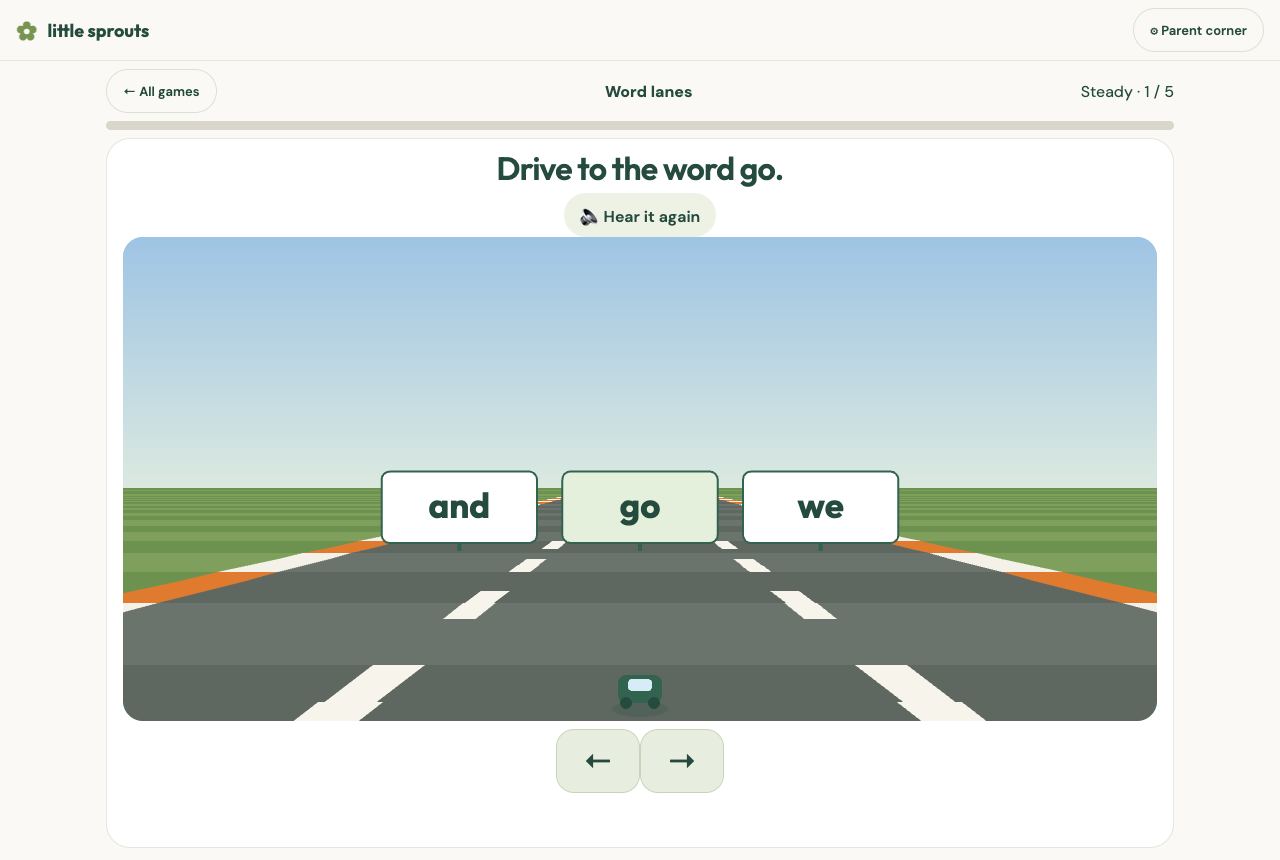
Most of the pictures and questions are Little Sprouts’ own. Some of the motion is not. Word lanes and Gas race use Jake Gordon’s road drawing. Garden chase follows hellokatili’s Pac-Man maze. Sprout hop follows FRADAR’s Doodle Jump pen. Toast pop follows Megafry’s Toast Catcher. Garden walk runs on William Malone’s BlocksJS. Sky flight uses jeanjerome’s OpenSkyFlight camera and pjedvaj’s Rafale model. Paint sphere and Sky flight draw with Three.js. The spoken voice is hexgrad’s Kokoro. Reach uses Google’s MediaPipe pose model.
The full list, with links, is on the site under Credits and in the README.
Human Reflections
I wanted to build Little Sprouts because I saw how engaged my kids were in video games and how well they held their interest. I figured adding some of the educational topics we need to practice for homework would be easy to do, rather than paying for various pay-to-play systems. I wondered why not build something free that kids—especially my own—could use. My oldest son needs to practice math facts and vocabulary words, my middle son needs to practice sight words and reading, and my youngest son needs to practice identifying colors and shapes. Combining these areas seemed like a great way to incorporate them into games on a web page that my kids could always access. It started off with a few simple games, and then the idea to incorporate games that others had already developed helped the platform expand. Now, I just add a game or two every so often. I did not want another app that stores a child’s face or their scores on a server. Little Sprouts keeps the stars in the browser and credits the creators whose games I learned from. If a kid can play a round without me installing anything, and a parent can see exactly where the pieces came from, that is the product.
Play: grow.360web.cloud · Source: github.com/mitchelldawkinsjr/little-sprouts · Build notes: /projects/little-sprouts.
Low to No Cost Solutions Series
Part 7 of 10