Tab Recorder: Quick Browser Demos to MP4
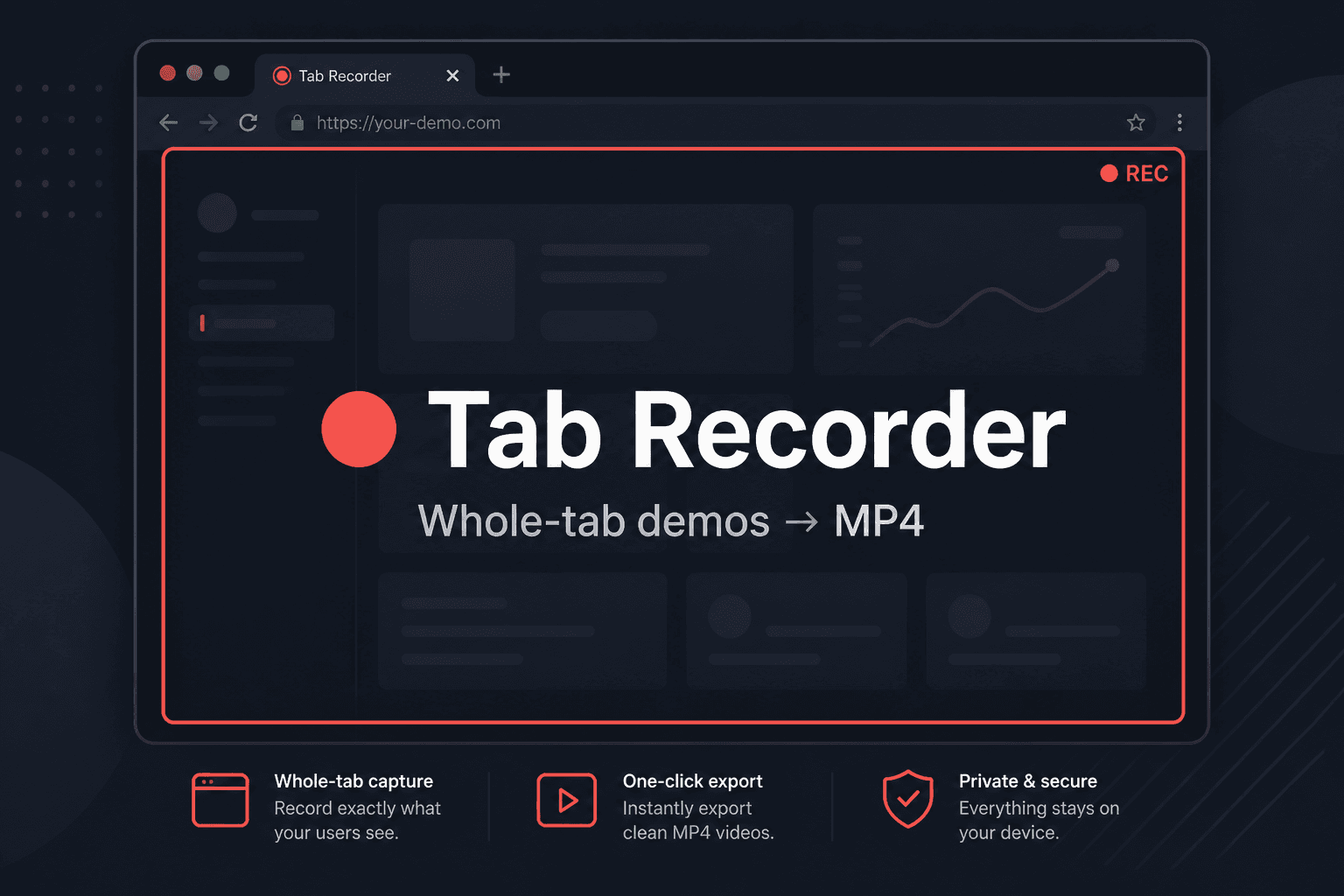
I'm constantly showing work in progress — a UI tweak, an API flow, a bug fix in staging. The friction was never doing the demo. It was getting a shareable video file afterward.
OBS works, but it's ceremony: pick a source, remember to stop, export, maybe convert WebM to MP4, upload somewhere, paste a link. For a ninety-second walkthrough, that overhead often meant I just sent a screenshot instead.
I wanted something closer to "press record, press stop, attach MP4." So I built Tab Recorder — a Chrome extension that captures the whole tab you're demoing, encodes H.264 + AAC with WebCodecs, and drops an MP4 in Downloads. Source and install notes: github.com/mitchelldawkinsjr/tab-recorder. Technical deep dive: Tab Recorder project page.
The problem in one sentence
Screen recorders optimize for long-form capture. I needed short, sendable demos from the browser with no transcode step and no wrong-window accidents.
Why whole-tab capture (not the video element)
The first version targeted the page's <video> player with captureStream(). That worked when the demo was a video — and failed everywhere else: dashboards, forms, multi-step UI flows, anything that isn't an HTML5 player.
v2 flips the bet: record the whole tab with Chrome's tabCapture API.
| Approach | What goes wrong for quick demos |
|---|---|
| Desktop capture | Notifications, Slack pings, wrong monitor |
| Built-in "Share tab" | Often WebM; clients want MP4 |
<video> element only | Misses most real product demos |
| Phone over-the-shoulder | Fine for social, bad for dev handoffs |
Tab Recorder captures exactly what that tab is showing — the full page surface — then muxes a playable MP4 on-device. No picker for the wrong screen. No conversion step.
How it works
1. Capture the tab
On Start, the service worker requests a stream ID for the active tab:
const streamId = await chrome.tabCapture.getMediaStreamId({
  targetTabId: tab.id,
});
Manifest V3 service workers can't hold media streams, so that ID is handed to an offscreen document, which redeems it with getUserMedia using Chrome's tab media source.
2. Encode MP4 in the browser
Using mediabunny on top of WebCodecs:
- Video: H.264 (AVC) at high quality
- Audio: AAC when the tab has audio (and the browser can encode it)
- Container: MP4 with in-memory fast-start muxing
Tab audio is mirrored through an AudioContext so the tab stays audible while you record.
When you hit Stop & download, the extension finalizes the mux and triggers a save as {page-title}-{timestamp}.mp4.
3. Per-tab sessions with pause/resume
The service worker keeps a session per tab ID. You can research in one tab and record in another. Pause from the popup — capture freezes without starting a new file. Resume continues the same MP4.
While recording, the tab is marked non-discardable so Chrome doesn't unload it mid-capture, and a small on-page indicator shows recording/paused state.
The popup workflow
- Open a normal website tab
- Click the Tab Recorder icon
- Start recording → timer runs, corner indicator appears
- Pause anytime
- Stop & download → MP4 saves locally
That's the whole loop I wanted: demo → file → Slack/email.
What it doesn't try to be
- Not a Loom replacement with hosting and links
- Not a game / full-desktop capture tool
- Not a cloud uploader — files stay on your machine
It's a dev/client handoff tool — optimized for speed, not production editing.
Stack (kept small on purpose)
| Piece | Choice |
|---|---|
| Extension shell | Manifest V3 service worker + popup |
| Capture | chrome.tabCapture → offscreen getUserMedia |
| In-page encoder | WebCodecs + mediabunny |
| Bundle | esbuild → single IIFE offscreen script |
| Permissions | tabCapture, offscreen, activeTab, scripting, tabs |
No backend. No storage bucket. No monthly fee. Load unpacked in Chrome and go.
Install locally
git clone https://github.com/mitchelldawkinsjr/tab-recorder.git
cd tab-recorder
npm install
npm run build
Chrome → chrome://extensions → Developer mode → Load unpacked → select the extension folder.
Requires a recent Chrome or Edge with WebCodecs H.264 encode support.
Human Reflections
Most of my demos are shorter than the time it takes to configure OBS. Tab Recorder is me admitting that and building the smallest thing that closes the gap: record the tab, get MP4, send it. If it saves me ten minutes twice a week, it already earned its keep.
Project details and architecture notes: /projects/tab-recorder.